
Themes
Seven built-in palettes, and your own as a patch over any of them.
The panel ships seven themes and takes your own. The palette button in the header — one row holding the tabs, that button, then close — lists them all and switches the panel immediately.
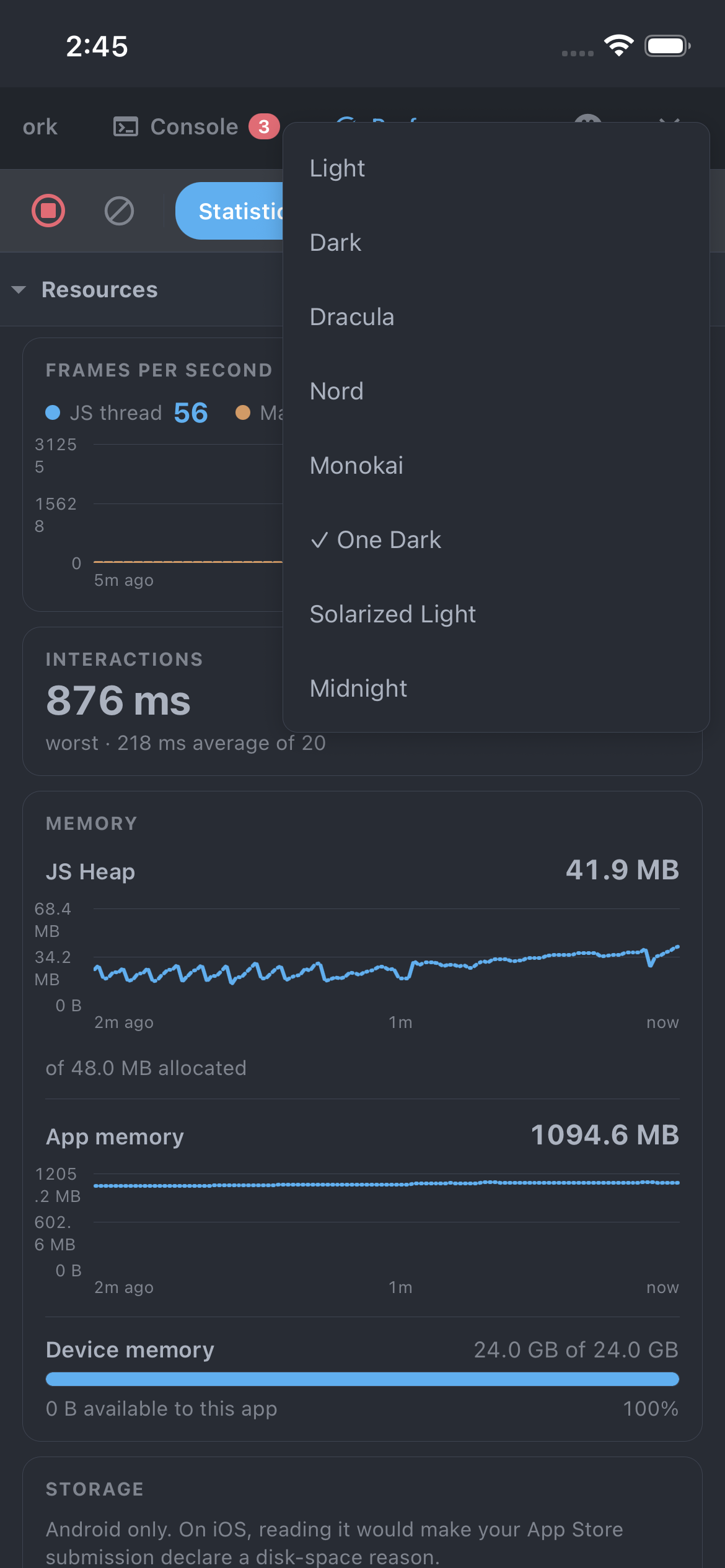
The seven built-ins
| Id | Where it comes from |
|---|---|
light | Chrome DevTools' light Network tab, the default |
dark | Chrome DevTools' own dark theme |
dracula | Dracula |
nord | Nord |
monokai | Monokai, as in TextMate and Sublime |
one-dark | One Dark, from Atom |
solarized-light | Solarized Light, the second of the two light options |
Each is the project's published colours mapped onto this panel's tokens, not an approximation.
Your own
Pick which one the panel opens with, and add your own:
export const devtools = createDevtoolsClient({
  defaultTheme: 'midnight',
  themes: {
    midnight: { base: 'dark', colors: { accent: '#a78bfa' } },
  },
});
A theme names a base to inherit from (any of the seven) and overrides only the tokens it cares about,
so a one-colour change is a one-line entry rather than a copy of all of them that rots whenever a token
is added.
- Reuse a built-in's id as your own name and you replace it.
- A
defaultThemenaming something that was never registered is ignored, rather than leaving the panel unstyled.
The full token list is the Palette type, exported from the package root and documented in
Themes reference.
The choice lives in memory for the session, like the tab you last had open. Persisting it would mean taking a storage dependency for a devtools colour scheme.